Stock transfers: what's different
Moving stock between your stores now has its own page.
NewWhat's new
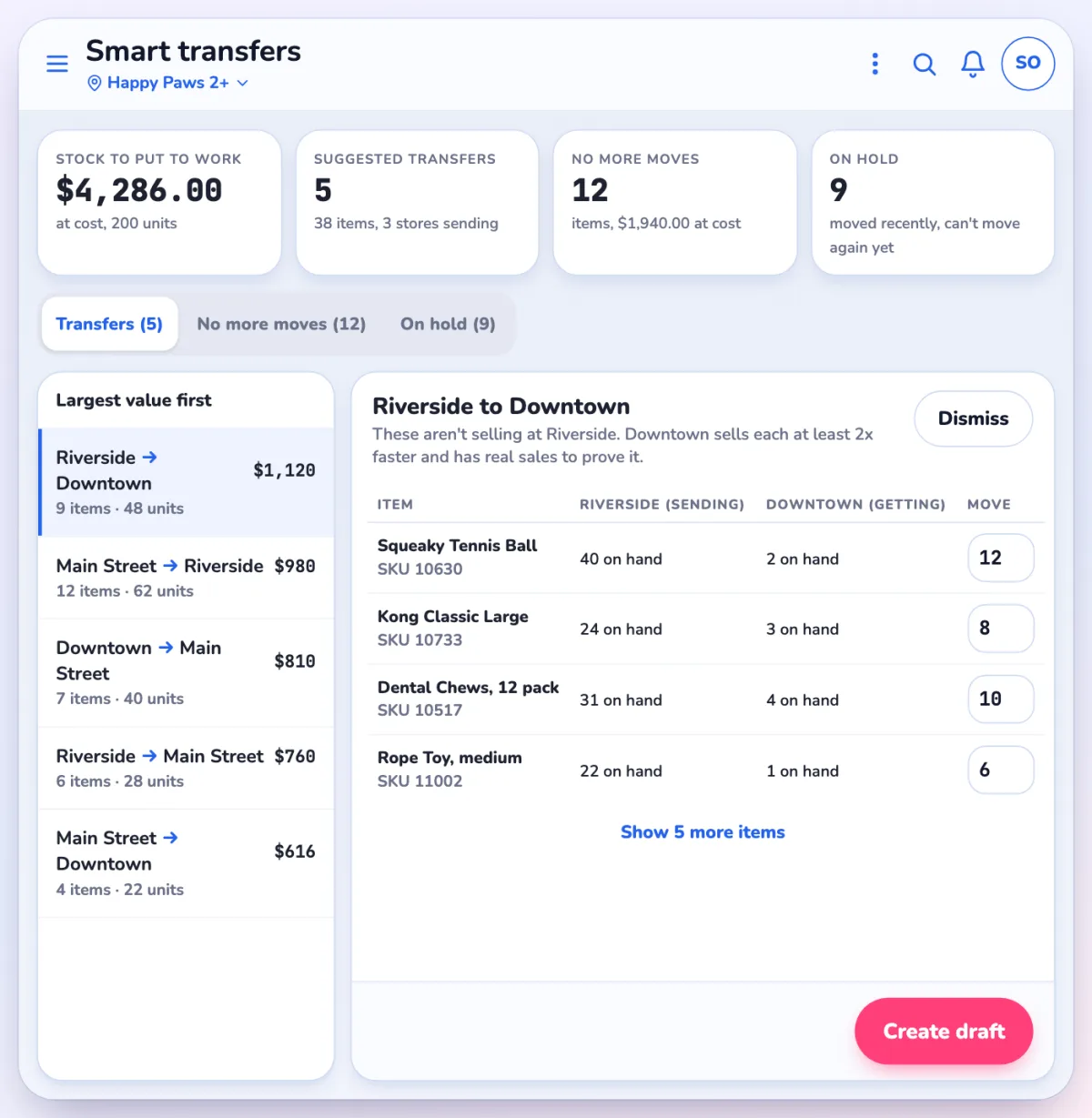
Smart transfersSuggested moves between stores, based on how fast things sell.
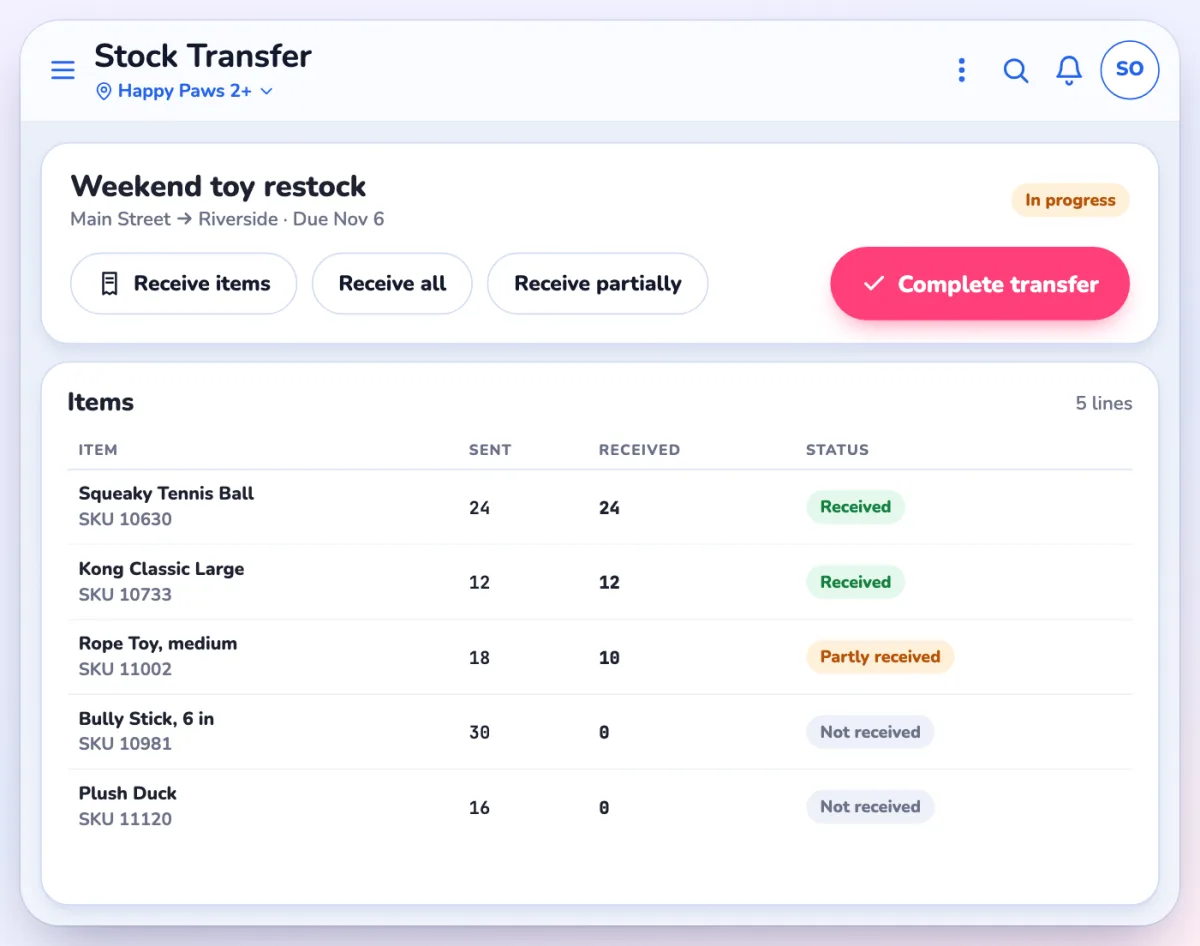
Receive in one tapReceive all, Receive partially, or Complete transfer.
Creating a transfer
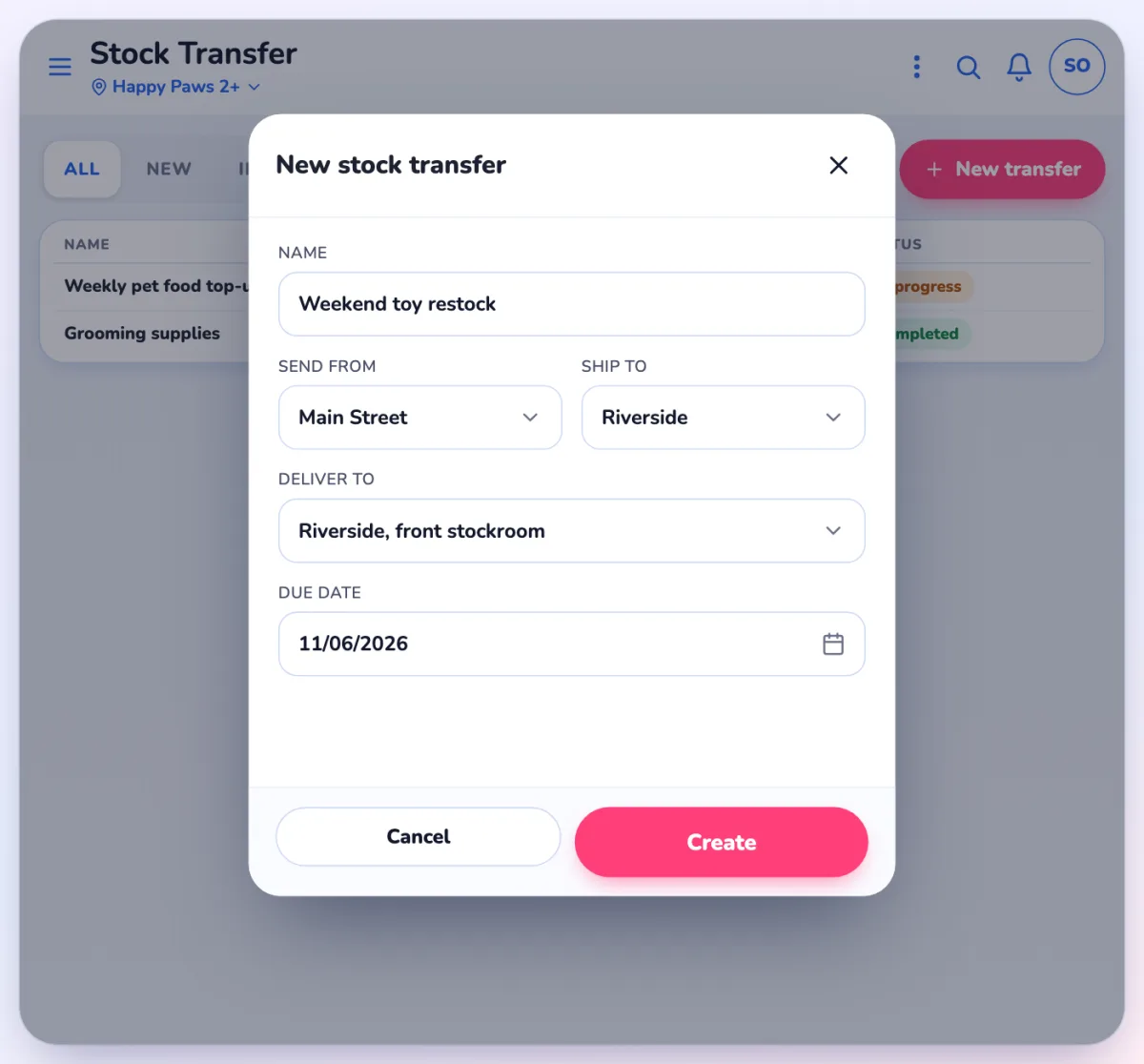
- Stock Transfer is its own menu page, not a tab on Purchase Order. You need the Access Purchase Order permission.
- Fields: Name, Send from, Ship to, Deliver to, Due date.
- A new transfer is a draft on your device until you tap Transfer now?. Other devices can't see it until then.
When stock moves
- The sending store's setting "Reduce qty upon Stock transfer when status set to In progress" decides it. On: stock leaves when the transfer is In progress, and the transfer becomes read-only except Receive. Off: stock moves when the other store receives. This is the same setting as before.
Receiving
- A short line closed with a "Fully received" reason leaves the missing units on no shelf, as before. The app now warns you first.
- A completed transfer can't be voided. Use Delete and revert stock or send a return transfer.
- Receive and Complete are separate permissions (rules 49 and 9025). By default nothing changes.
Questions? Use Help or Ask Pulse in the app, or contact Franpos support.



















