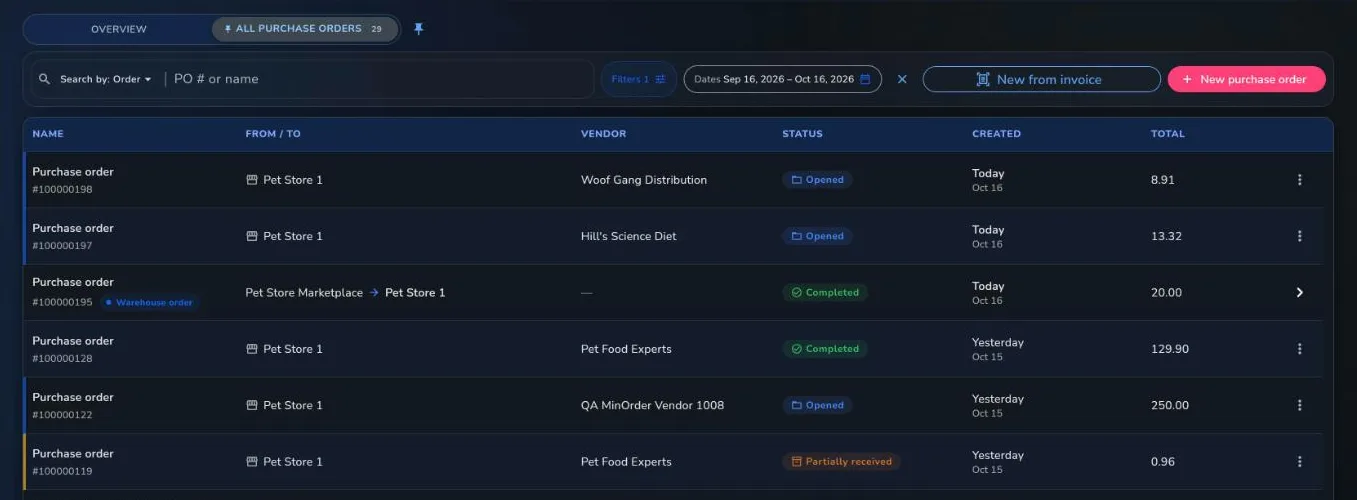
How do I create a purchase order?
Open Stock operations, then Purchase Order, and choose New. Pick the vendor, due date and stores, add items by scanning or with a shortcut such as Suggest reorder items, set quantities and costs, and open the order.
Can Franpos suggest what to reorder?
Yes. Suggest reorder items and Suggest low-stock items add products at or below their reorder point, and the Command Center can draft a purchase order for you.
Can AI read my vendor invoices?
Yes. On a purchase order's Receive, choose Read invoice and pick a file or take a photo. Franpos matches each line to the order and fills in quantities, costs and reasons for you to check. Nothing is saved until you press Save receive. Reading PDFs and photos is a switch on the Purchase orders list that someone who manages billing turns on; Excel and CSV invoices are read for every store.
Can I send orders to vendors electronically?
Yes, if your vendor accepts EDI you can send it over EDI or download an EDI file. You can also export a PDF or file.
What if a delivery does not match the order?
Choose a discrepancy reason while receiving, such as short or damaged. You maintain the list of reasons in Settings.
What does it cost?
Every business is different, so we quote per location. Book a demo and we will walk you through it.


















