Team chat, messages and phone

Your team talks in one place. Your customers hear back fast.

Team chat is for coworkers: direct messages and group chats inside Franpos, away from the customer inbox. Beside it sit Messages for texts and web chat, and a Phone that works like a desk phone in the app.

Direct messages and groupsStaff only, never customersQuick replies for customers
Messages with the AI replies switch turned on and the monthly count

Talk to your team without leaving the app

Open Team chat from the left menu.

Team chat

The weekend crew gets its own room

Press New chat, then choose a direct message or a group.

  • New direct message to one colleague, or New group for several people
  • Name a group, for example a weekend crew
  • Search conversations or Search people to find anyone fast
  • A small dot shows who is online
  • Pin to top, Archive or Delete conversation from a chat's menu, and Mute inside an open chat
  • Staff only: customers never see Team chat

Customers write. The whole team sees it.

Messages is your inbox for conversations by text and website chat.

Messages

One inbox. Every channel.

Each conversation shows a small tag for its channel, such as Text or Web chat.

  • Reply from the thread, drop a file onto it to attach, and press Call to phone the customer
  • Quick replies insert a saved message, and Suggest a reply drafts one for you to review before sending
  • If a colleague is typing in the same conversation, you see a note so you do not both answer
  • New message starts a text to a customer, and Create customer links an unknown number
  • Pin, Archive, Merge with... to combine two threads for the same customer
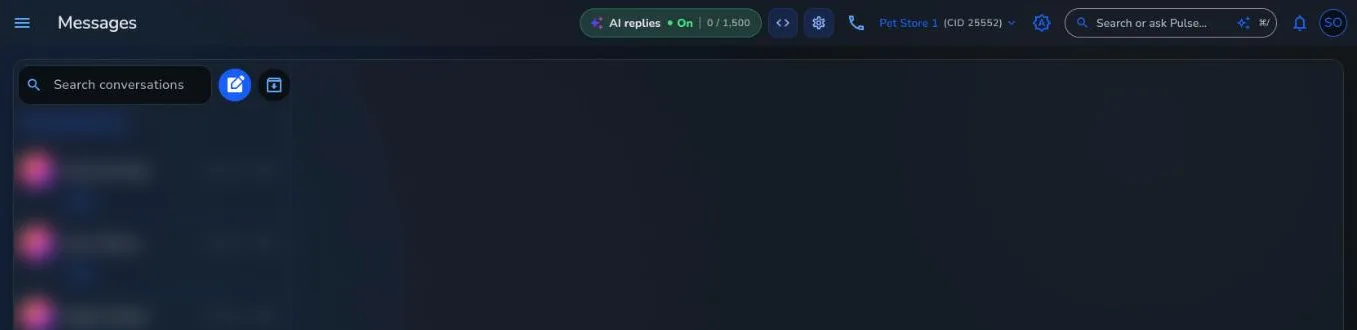
Messages with the AI replies switch turned on and the monthly count

A real Franpos screen, from a demo store with sample data.

Phone

A desk phone, in the app

The Phone page has a Keypad, Recents and Voicemail.

  • Transfer call to a Colleague or a department such as Sales, Support or Billing
  • Do not disturb for the times you cannot take calls
  • Block this caller, and a blocked number is rejected for your whole company
  • Website chat widget: copy an embed code so visitors on your website can start a chat
03 · Next steps

Messages that answer themselves

When you want help with the replies, the AI features are on their own pages.

AI replies

AI can answer texts and web chat for you.

Business phone

The Phone page and its call recaps, on their own page.

Write with AI

A few words in, a finished message out.

Questions about Team chat

Can customers see Team chat?
No. Team chat is only for staff. Customers write to you in Messages by text or website chat.
How do I start a group chat?
Open Team chat, press New chat, then New group, and give the group a name. Starting a direct message or a group each needs its own permission.
Why does my list of colleagues look empty?
Colleagues appear once they are added to the company as employees. Add them on the Employees page.
Can I send promotional texts from Messages?
Messages is for conversations. For bulk or promotional texts, use Marketing so consent and send limits are checked.
What does it cost?
Every business is different, so we quote per location. Book a demo and we will walk you through it.

Keep the conversation moving.

Book a demo and see Team chat, Messages and Phone side by side.

Trusted by thousands of businesses, including

Woof Gang BakeryTraegerRunzaMenchie'sEarthWise PetMud BayPet PlanetDog KrazyPro Image SportsPet WantsBest West Pet FoodsBrothers Country SupplySam's Cats & DogsMagoo's Pet OutletWoof MeowDogPerfectPACGatewayShubhSumUpWoof Gang BakeryTraegerRunzaMenchie'sEarthWise PetMud BayPet PlanetDog KrazyPro Image SportsPet WantsBest West Pet FoodsBrothers Country SupplySam's Cats & DogsMagoo's Pet OutletWoof MeowDogPerfectPACGatewayShubhSumUp

















