The first run
Welcome, store by store
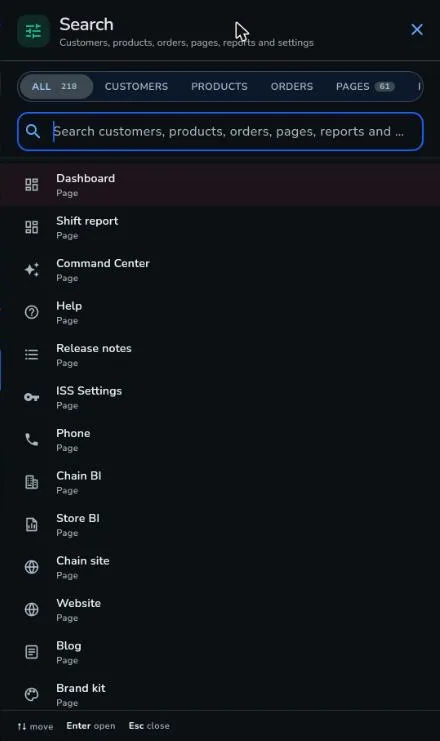
The tour opens once for each account, and only when everything is ready.
- Starts with a welcome to your store, then Dashboard and Command Center: know what to do today
- Pet businesses see Booking and Stock operations; retail and food see the Kiosk (when the add-on is theirs to open) and Stock operations
- Reports, a catalog slide, Campaigns, Website and social, Brand kit, Ask Pulse and AI helpers follow
- A final Where to start slide gives a short checklist for the first day
- A slide that would show a feature someone cannot use is dropped, not shown with a dead button