Moving to the new Franpos app
What stays the same, what's different, and what to do on day one.
NewWhat's new
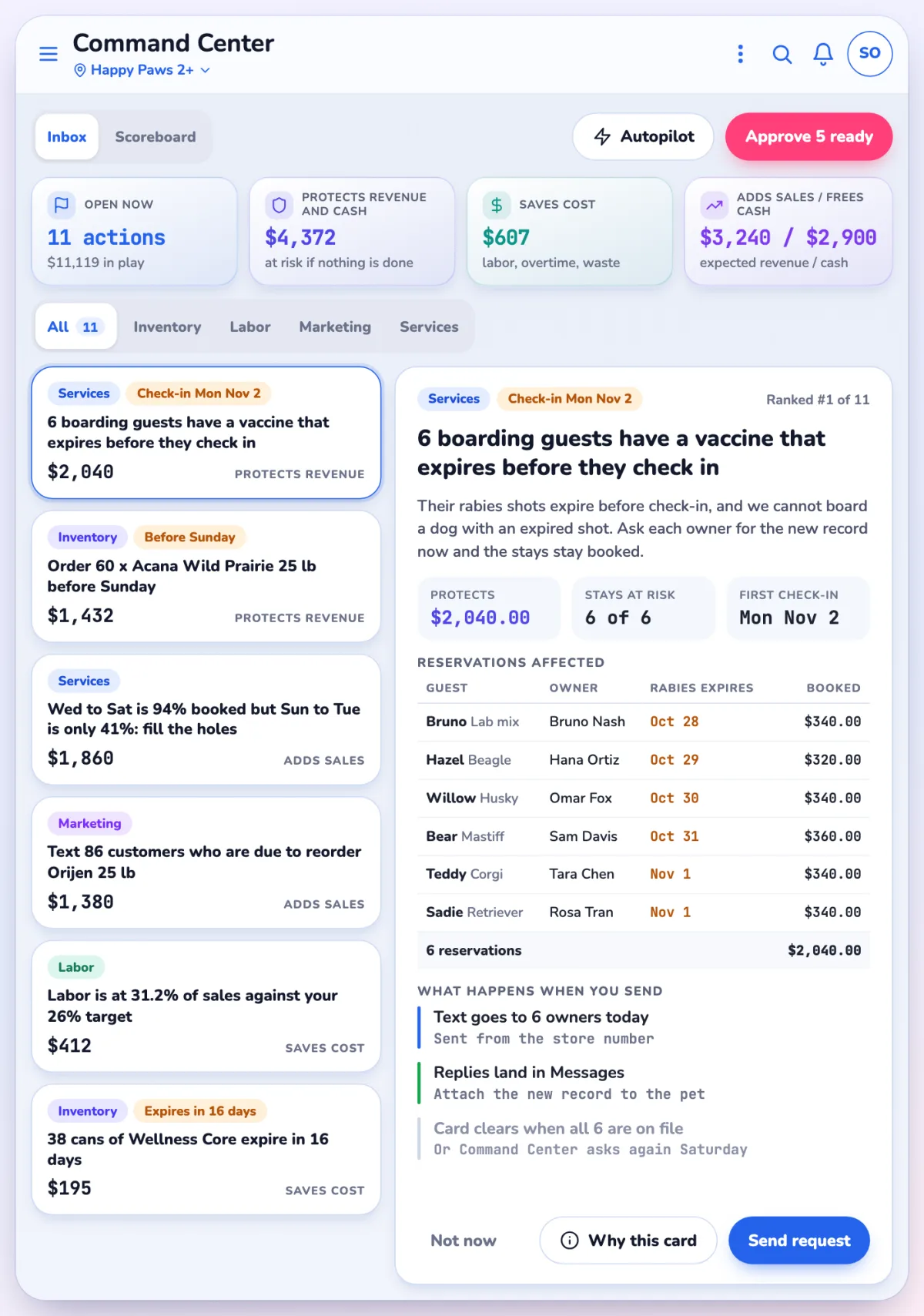
Command CenterWhat needs you next, most important first.
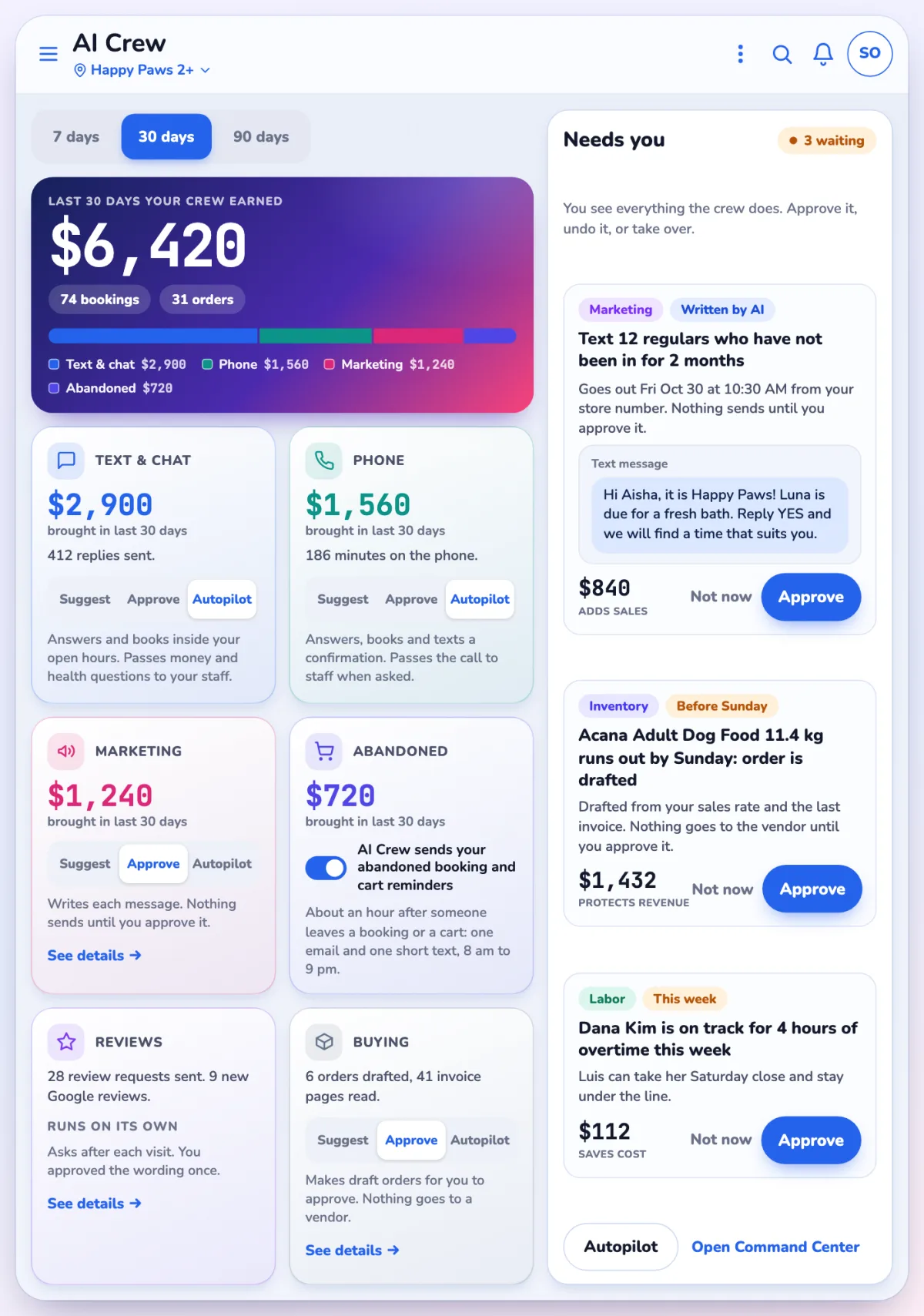
AI CrewHelpers that answer, write and reorder.
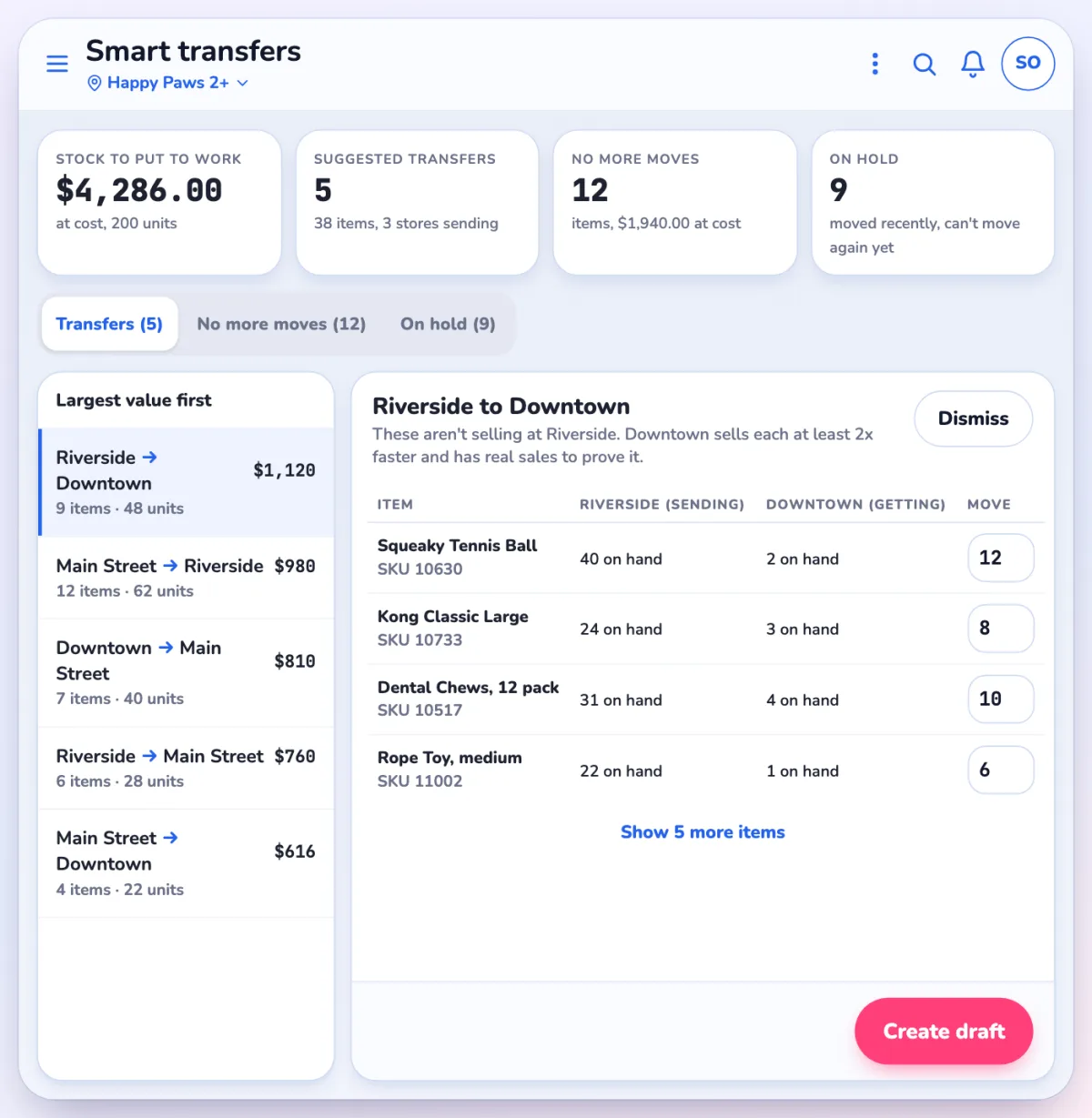
Smart transfersSuggested stock moves between stores.
Still the same
- Your products, customers, prices and permissions come with you
- Your card terminals and printers are carried over
- Hold, cancel and delete still ask for a manager PIN where they did before
- Sales with no internet still save and upload later
Day one checklist
- Close the cash drawer on the old app before you update. Count it and run the Z report.
- Set each register's start screen: Settings > Default page > Register. It is saved per device.
- Sign in with your PIN on the first screen.
- Move the kitchen screens at the same time as the registers. The old kitchen display app is not supported.
What is different, by area
| Area | What changes most |
|---|---|
| Register | Held tickets on an "On hold" tab, a new payment screen, a regrouped Options menu. |
| Booking | Deposits by card, optional cancel reason, new calendar views. |
| Inventory | One Stock menu; shared counts that end in a review step. |
| Stock transfers | Its own page; sent with Transfer now?. |
| Branding and marketing | One Marketing page, Campaigns and Flows, a Brand kit. |
Finding things
- Use Search at the top to find any page, setting or customer.
- Use Help and Ask Pulse for step-by-step answers.
- Browse the App store to switch on extras.
Questions? Use Help or Ask Pulse in the app, or contact Franpos support.



















